
Online Ordering & App
Online Orders That Go Straight Into Your POS
The Adoluna app and your online store connect directly to the Adoluna POS in your restaurant. Online orders don’t show up on an extra tablet at the counter. They are entered straight into the POS, which cuts transmission time and reduces order errors.
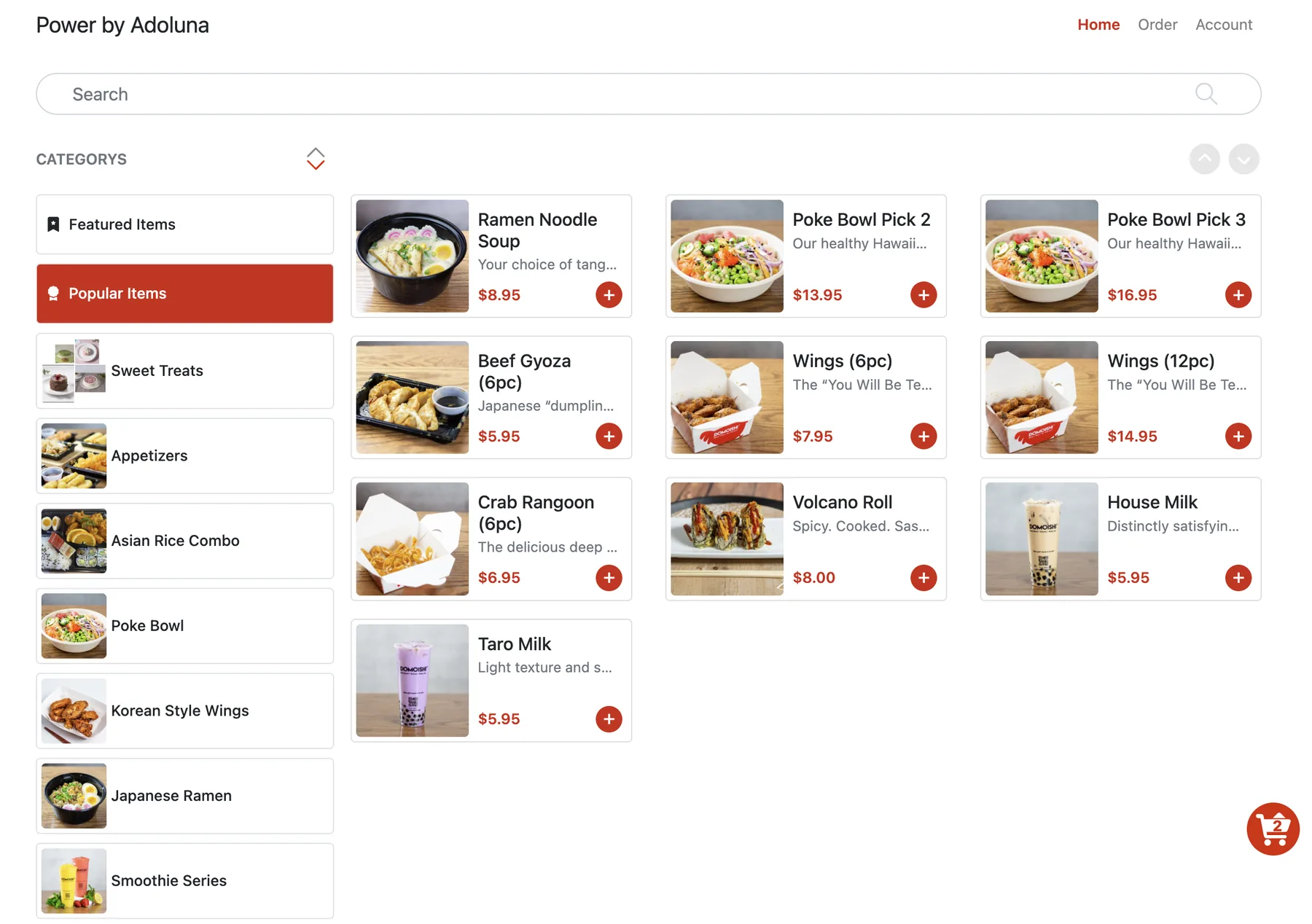
Pick-up and delivery, on your terms
- Turn pick-up and delivery on or off, and set estimated pick-up and delivery times.
- Set a minimum delivery order, a free-delivery threshold and a delivery radius in miles.
- Let customers pay online, pay at the store, or pay the driver in cash.
- Auto-accept paid or unpaid orders so they go to the kitchen without staff confirmation, or review them first.
- For scheduled pick-ups, orders can be sent to the kitchen a set prep time before the pick-up time.
Store hours, order-ahead and special hours
Set your online store hours, open or close the online store manually, add special hours or closures for holidays, and allow order-ahead so customers can order outside business hours for a later pick-up time.
Stay informed about new orders
Get SMS and email notifications for new online orders, print a customer receipt when an order is sent, and require a policy confirmation or phone verification for guest checkout. Verification codes can also be sent by voice call.
Promotions that bring customers back
Create promotions for your kiosk and online ordering: a discount (cash or percentage) or a free item once the order reaches a set subtotal, with start and end times. One promotion or coupon applies per order. Special item prices show the original price crossed out.
Scan-to-order at the table
Guests can order by scanning a QR code. Scan-to-order shows recommended and best-selling items as their own categories, accepts gift cards with a PIN, and supports All You Can Eat (buffet) ordering when set to buffet mode with a table number.
Third-party delivery orders too
Orders from DoorDash, Uber Eats and other delivery platforms come in through our Deliverect integration. Scheduled third-party orders can be sent to the kitchen automatically, third-party sales appear in your Dashboard and Daily Summary, and third-party tax is reported separately.
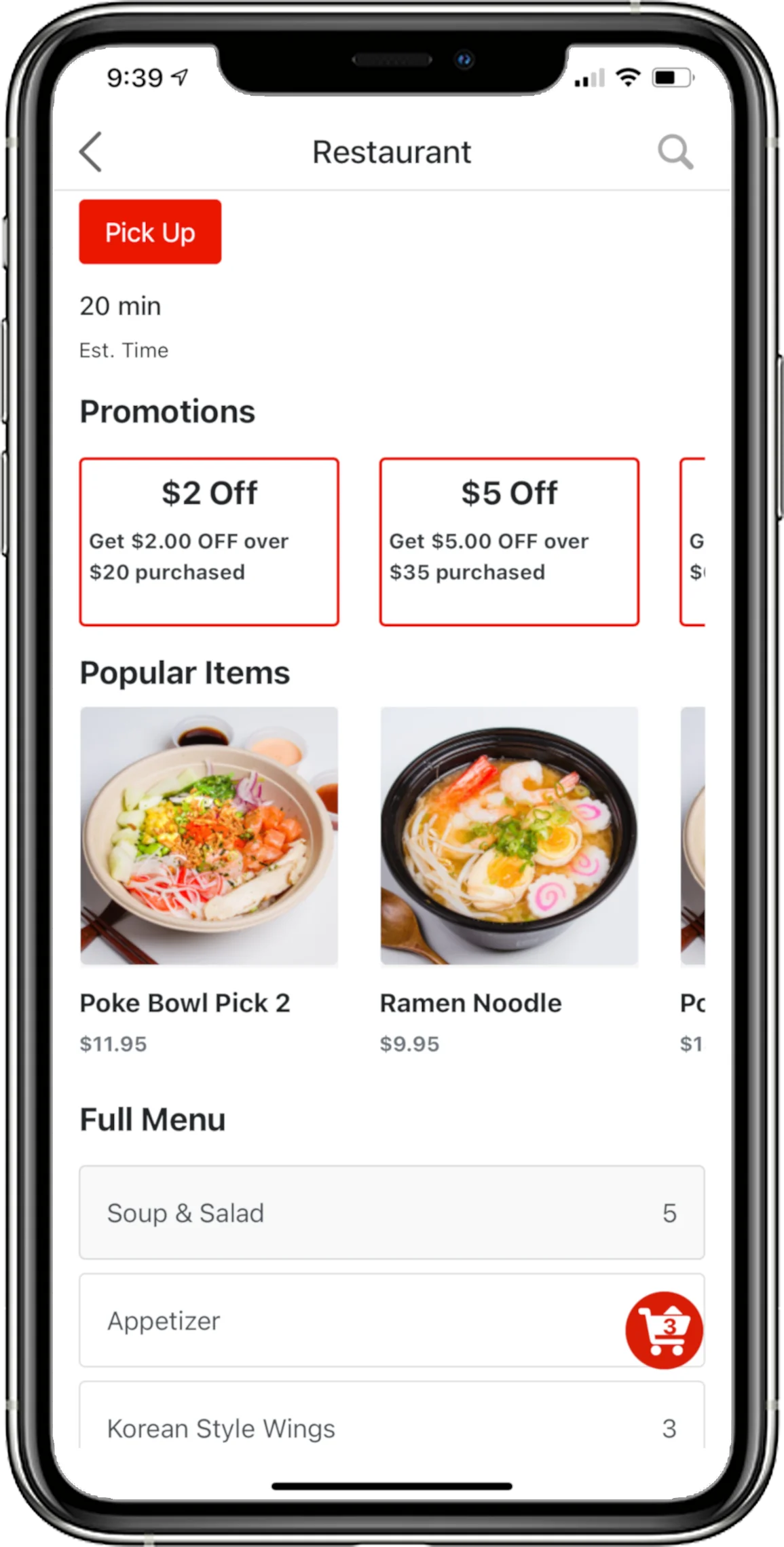
The Adoluna app for your customers
Customers can find your restaurant in the Adoluna app and order directly from your kitchen. Recommended and best-selling items are shown as their own categories, and customers can pay with gift cards that have a PIN. The Adoluna app is available on the App Store.